Product
The official Habiata plugin is now available in ChatGPT
30 October 2026 · 3 min read

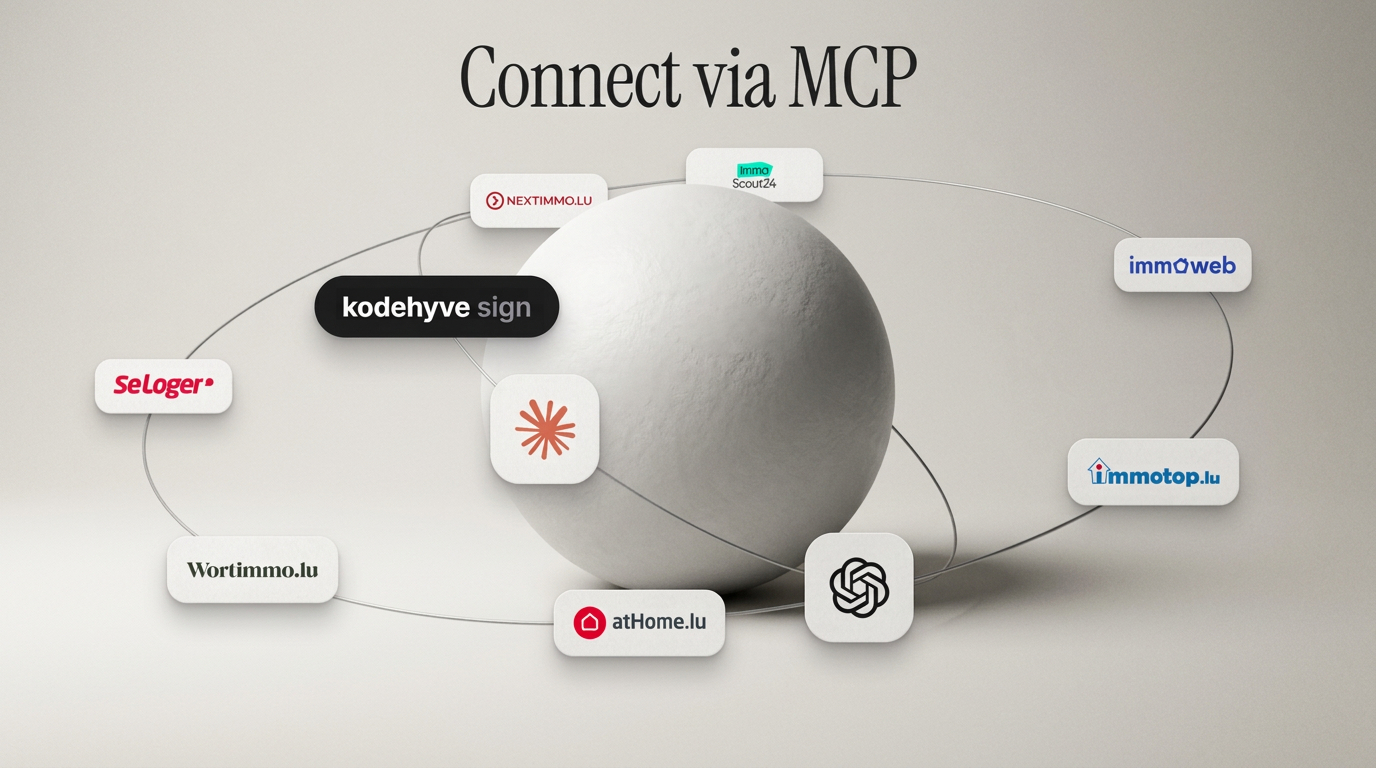
The official Habiata plugin for ChatGPT is now live in the ChatGPT directory. You no longer need Developer Mode, server URLs or client IDs. Open the plugin in ChatGPT, sign in with your Habiata account, and work with your contacts, deals, visits and properties straight from the chat.
How to connect
Activate external AI access once for your agency. An owner or admin opens Integrations in Habiata, selects ChatGPT and clicks Activate.
Open the plugin in ChatGPT. Go to the official Habiata plugin in ChatGPT (or search for Habiata in the ChatGPT plugin directory) and click Connect.
Sign in with your Habiata account. Complete the Habiata login when prompted. Once connected, you can ask your first question right away.
What you can do in ChatGPT
Once connected, ChatGPT can look up and update your real agency data on your behalf, with the exact permissions you have in Habiata:
Contacts & leads: search contacts, read their history, create or update records, and convert incoming leads.
Deals & visits: summarise a deal before a call, move deals through the pipeline, check your schedule and book or reschedule visits.
Properties & search mandates: search your portfolio, create draft listings and match buyers' search criteria against your properties.
Documents: find and read files, certificates, spreadsheets and photos from your Habiata folders.
Safe by default
Agency control: nothing is accessible until an owner or admin enables access for your agency in Habiata, and it can be turned off at any time.
Personal sign-in: each team member signs in with their own Habiata account and only sees what they are allowed to see in Habiata.
Confirmation before important changes: deleting a record, closing or cancelling a deal, or archiving a project always asks for your confirmation first.
Ready to try it? Open the Habiata plugin in ChatGPT or visit Integrations to see everything Habiata connects to. Questions? Email us at contact@habiata.lu.