Product
E-signatures for real estate agents – now available in Habiata
10 September 2026 · 4 min read
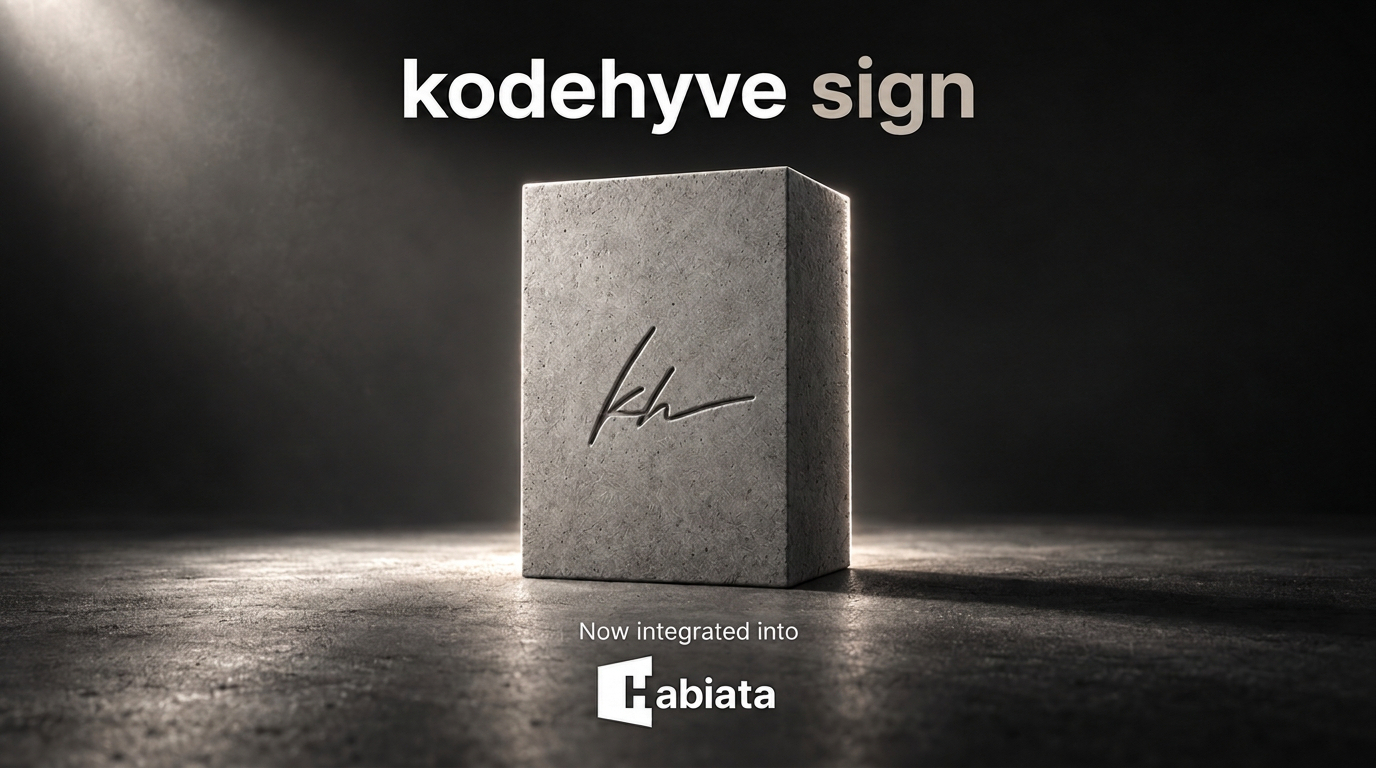
Mandates, offers, and sale agreements no longer need a separate signing tool. Electronic signatures are now part of Habiata, so you can send a document and follow every signatory without having to leave your agency workspace.
A partnership made in Luxembourg
Our electronic signature (e-signature) feature is brought to you in collaboration with kodehyve. With our AI-powered operating system, we help real estate agencies run their day-to-day, while our technology partner runs the trust layer behind eIDAS-compliant e-signatures.
The integration is directly embedded in our platform: E-signatures are available under Media in the sidebar. You prepare the envelope in Habiata. In the next step, kodehyve delivers the signing email, collects the signatures, and returns the signed file and the audit trail - including SMS confirmations and a qualified e-seal for advanced signatures.
Habiata and kodehyve are both built in Luxembourg, so our customers can rest assured of being compliant with local regulations when using our e-signatures tool.
Easy to use
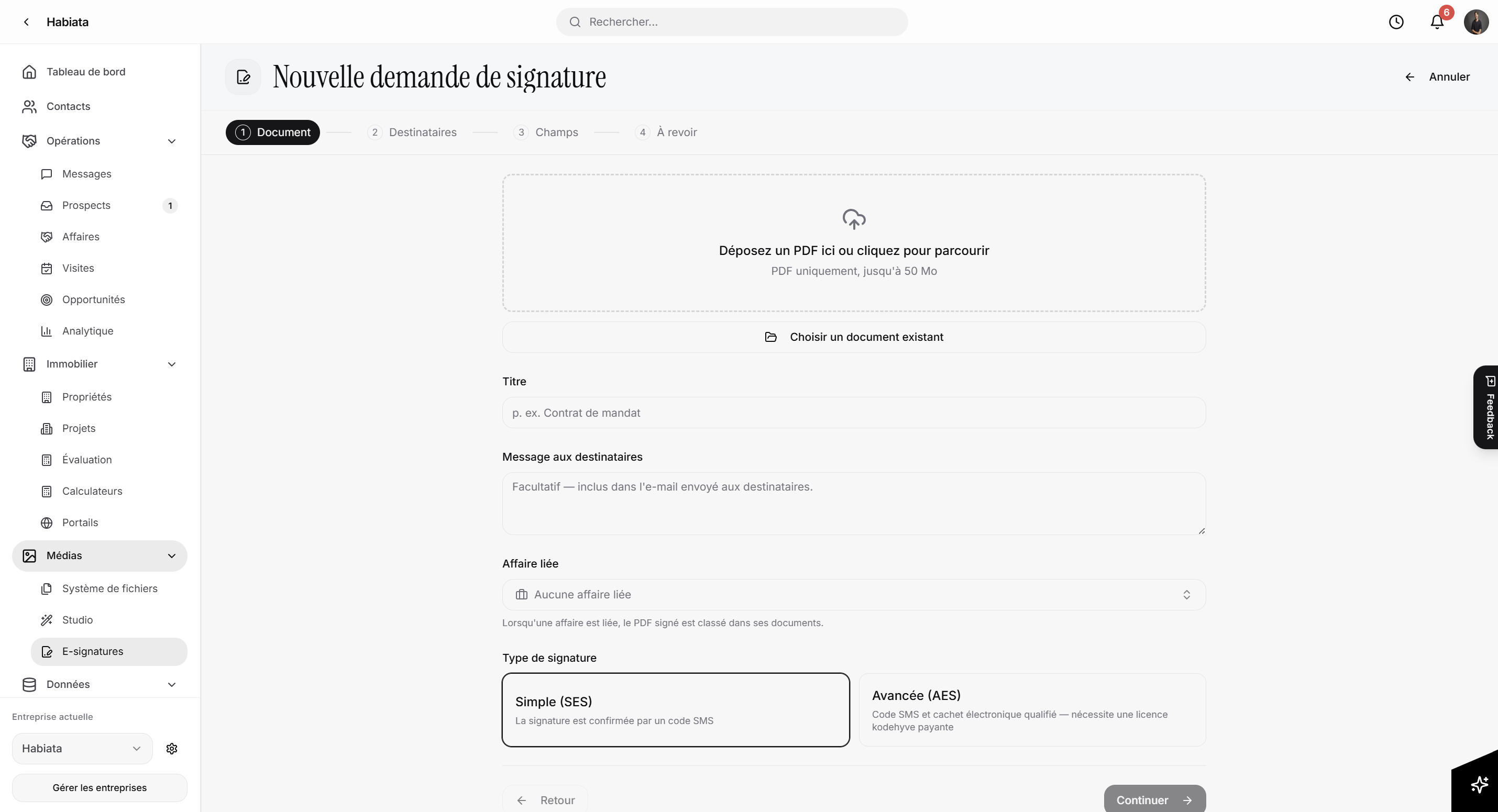
Open Media → E-Signatures and start a new request. You can:
Upload a PDF, or pick one already stored on a property or deal
Choose Simple (SES) or Advanced (AES) e-signatures
Add signatories from your Habiata contacts (each one needs a valid email address and a mobile number)
Place signature, initials, and seal fields on the different pages
Send to everyone at once, or let signatories sign a document one after the other
Track progress, send a reminder, cancel a request, and download the signed document
Signatories receive the emails related to an e-signature envelope from kodehyve (no-reply@kodehyve.com). They confirm their signatures with a one-time password (OTP), which is sent via SMS to each signatory's mobile number.
How to get started
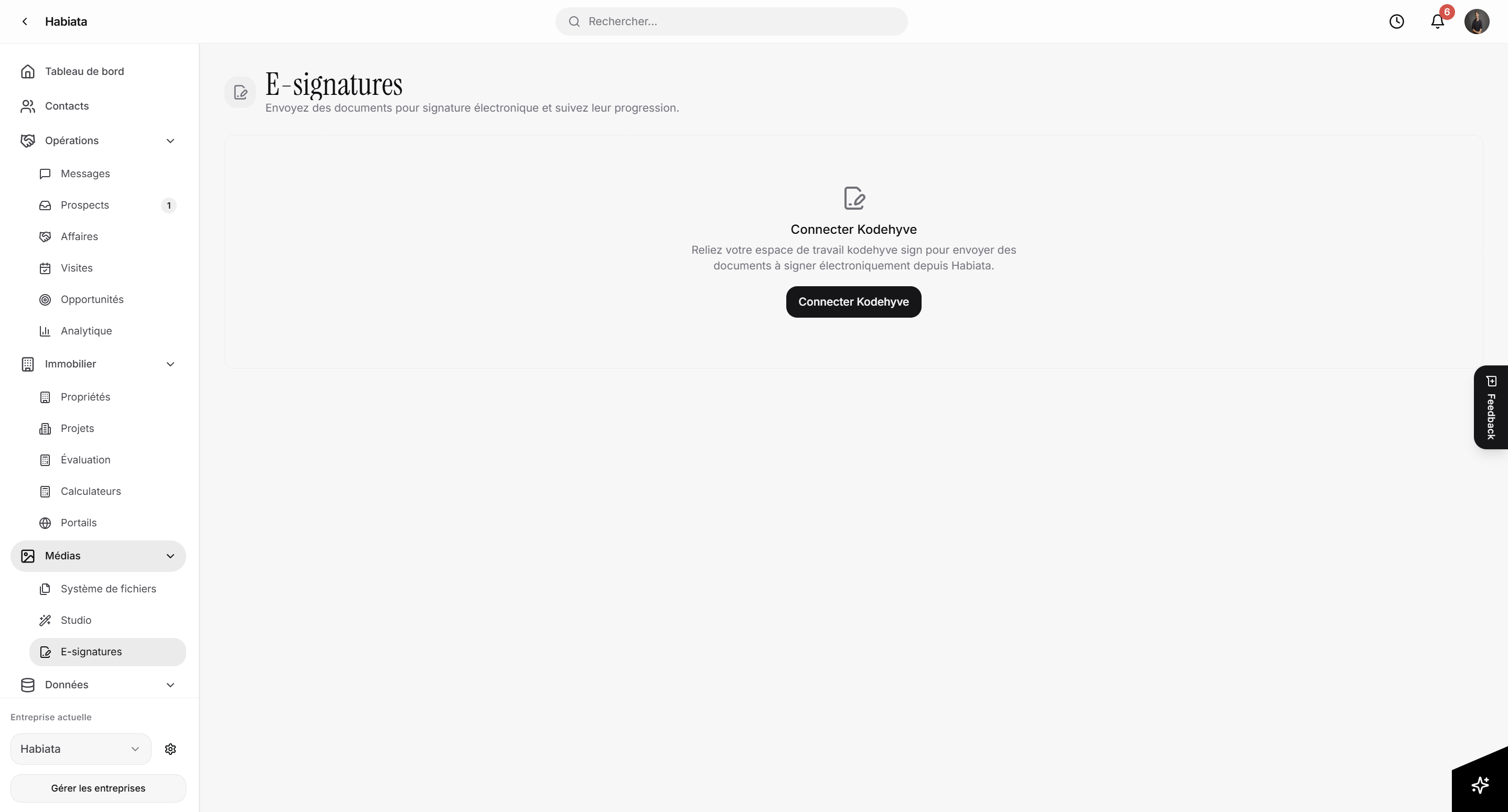
To use e-signatures in Habiata, you need a kodehyve user licence. If you have not used kodehyve before, you first need to create a new account at kodehyve.com. If you already are a customer, you can keep your existing kodehyve workspace, which you simply connect via your workspace API key to Habiata.
Create or open your account at kodehyve.com and copy the workspace API key.
In Habiata, open your company settings and go to kodehyve integration.
Paste the key and connect.
Habiata checks the key with kodehyve, then stores it encrypted. It is never shown again. Owners and admins can replace or disconnect it at any time.
Important: E-signature usage and licensing stay with kodehyve. Simple and advanced electronic signatures need a paid kodehyve licence. Once your workspace API key is connected, your team sends envelopes from Habiata as if e-signatures had always been there.
If you have any questions about how to use e-signatures in Habiata, reach out to our team at any time: contact@habiata.lu.
KYC/AML checks powered by kodehyve comply will also be available in Habiata soon.